Create your first QR code
Choose a purpose, prepare the content, and test the downloaded file before sharing.
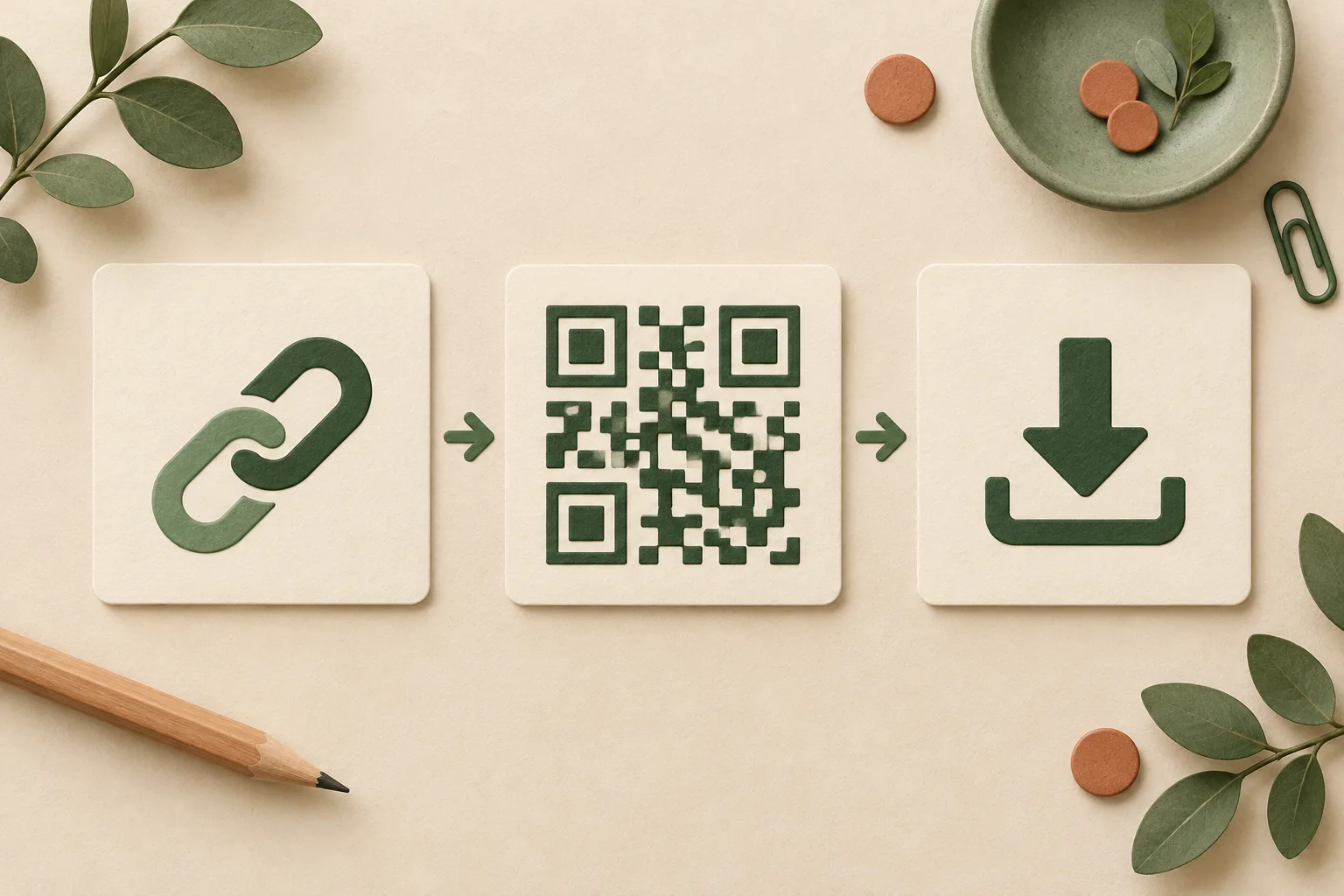
Choose what scanning should do
A website QR opens a menu, portfolio or booking page. Text can be read without opening a website. Wi-Fi stores the network name and password, so use a guest network and share it only with intended visitors. Email fills a draft; scanning does not send it automatically. Reader support varies between devices.
Check the destination first
Open the complete https:// address on a phone while signed out. Confirm that visitors can access the page without your account and that shared files will not expire unexpectedly. Test the form or booking flow as well as the first screen. Do not remove URL parameters unless you know they are unnecessary.
Create, then customize
Select the content type and enter the values carefully. Start with square modules, a dark foreground and a light background. Scan this basic version first. Change one design option at a time so you can identify which change affects readability. Keep the surrounding blank margin.
Choose the right file
PNG works well in documents, slides and websites. Avoid enlarging it beyond its saved resolution. SVG remains sharp when scaled and suits printing if your editor supports it. Preserve the square proportions and margin when placing either file. Save before refreshing or switching languages: QRmaru does not keep a history.
Test twice before sharing
Scan the downloaded file from another screen, then print one copy at the intended size. Check the decoded content, the destination page and the lighting at the actual location. Try more than one phone where possible. If reading fails, remove the logo, restore square modules and increase contrast or size.
Can I edit or recover a code later?
A static QR cannot change its encoded address after printing. You can update the page at that same address. If the address changes, create a new code and replace old copies. The QR itself has no service expiry, but its domain or linked file may expire. Downloaded files must be kept by you; there is no recovery archive.