Design a QR that stays readable
Color and shape can express your identity while preserving the structure a camera needs.
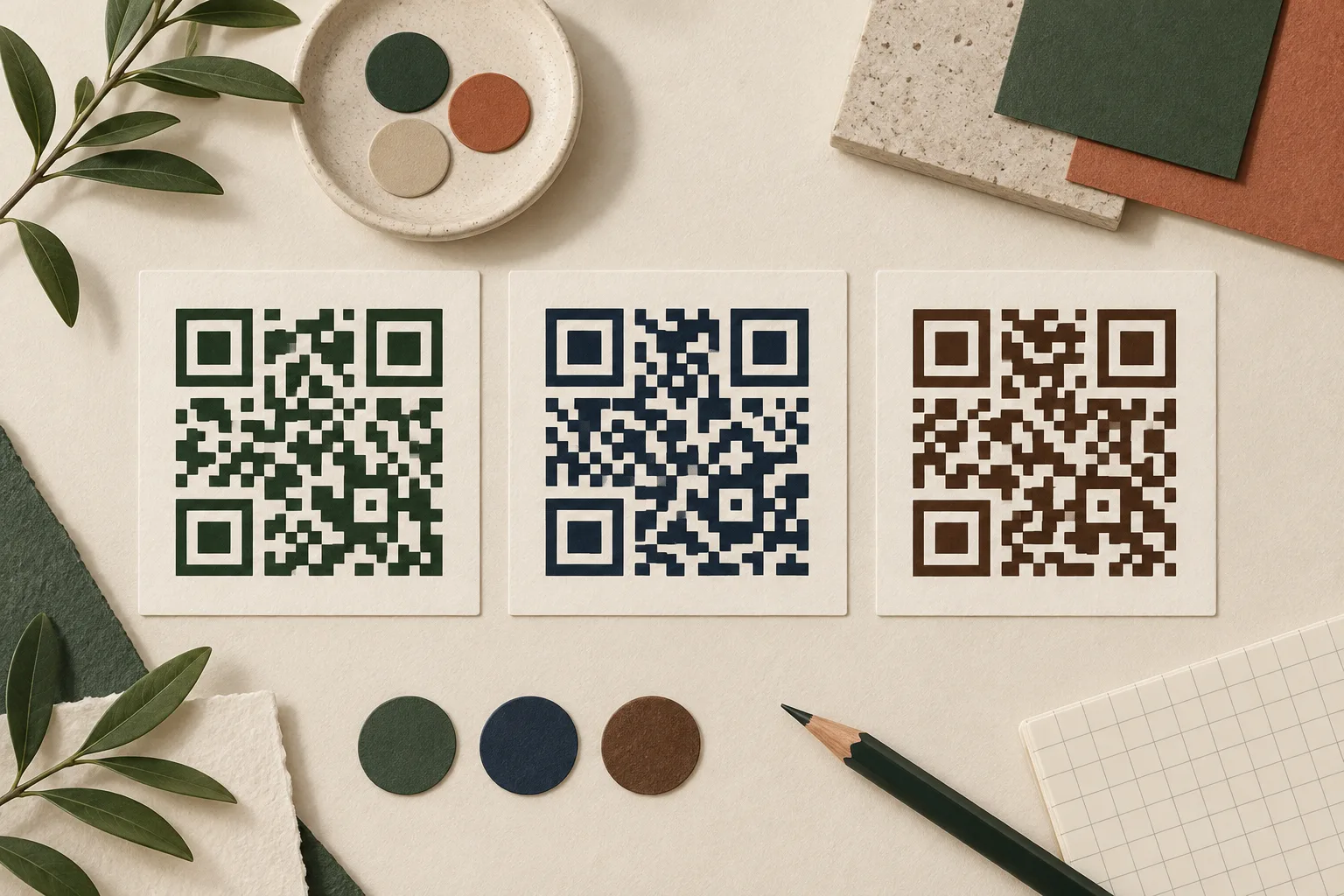
Start with contrast
Use a dark code on a plain, light background. QRmaru blocks downloads below its contrast threshold of 4.5:1; this is a product safeguard, not a guarantee or a QR certification. Screen brightness, paper and ink change the result, so always test the final output.
Keep the quiet zone
Leave at least four modules of blank space on every side. A module is one small cell of the QR grid. Do not place captions, borders or decorative marks in that space. Keep the code square and avoid stretching, cropping or placing it over a photograph.
Choose shapes carefully
Square modules are a useful baseline. Rounded, dotted and diamond designs alter the appearance of data modules, while QRmaru preserves functional patterns. Small prints and dense content can make decorative shapes harder to read. Compare each variation with the basic square version.
Add a modest logo
Use a PNG, JPG or WebP up to 2 MB. The image is processed in your browser. QRmaru limits the central logo and uses error correction level H, but a logo still covers information. H does not mean any 30% area can safely be covered. Try the exported file on multiple devices and remove the logo if scanning becomes unreliable.
Review the final composition
Export SVG for scalable artwork or a sufficiently large PNG. Inspect the code after importing it into your design tool: margins, proportions and colors may have changed. Print a proof on the actual material and test at the expected distance. Add a clear instruction outside the margin, such as ‘View the menu’.
If a design does not scan
Return to square modules, remove the logo and choose a darker foreground. Increase the printed size and check lighting and reflections. A successful scan of the preview does not prove the final printed design will work.