Place and print QR codes with confidence
Plan for the distance, surface and action people will encounter in the real world.
Make the next action clear
Place a short instruction beside the code: view a menu, book an appointment or join guest Wi-Fi. A nearby human-readable address helps when scanning is unavailable. Keep all text outside the quiet zone and avoid several competing codes in one small area.
Choose size through testing
There is no single size that works in every situation. Longer content produces a denser grid; longer viewing distances usually need larger codes. Begin with a generous size, print a sample and test from where visitors will stand. Do not rely only on the size shown on screen.
Prepare the artwork
SVG is scalable; PNG should have enough pixels for the intended output. Keep the code square and preserve the four-module margin. Avoid screenshots, repeated image compression and stretching. Ask the printer to keep edges clear and test a proof before ordering a large batch.
Consider the surface
Glossy lamination can reflect light. Curved bottles distort the grid. Folds, seams, textured paper and wear can hide modules. Choose a flat, visible area away from edges and test under the lighting used at the location.
Try practical placements
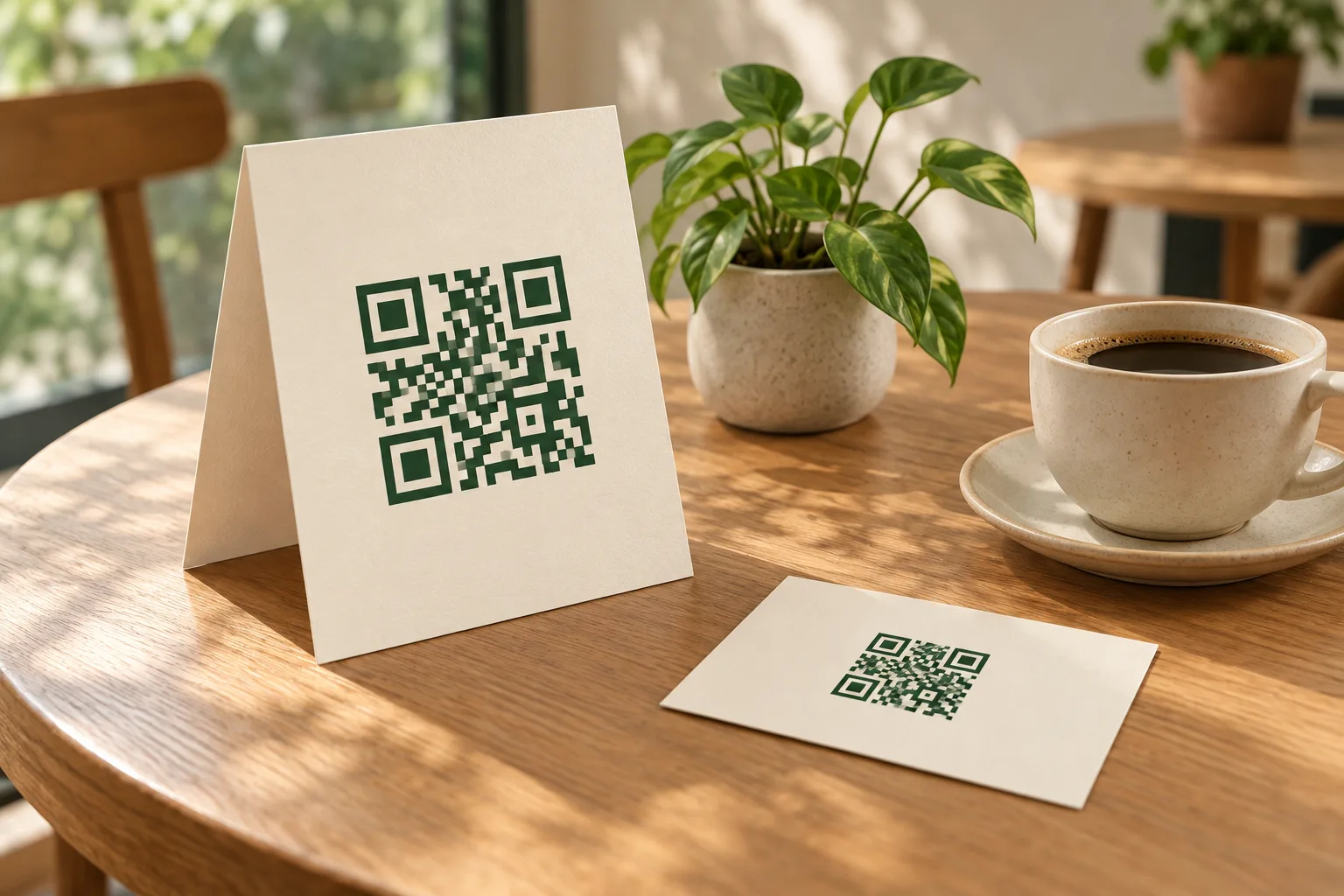
On a restaurant table, keep the code reachable and the menu mobile-friendly. On a business card, provide context for the destination and keep fine details legible. For an event poster, test at the expected viewing distance and ensure the destination remains available after the event if the poster will stay up.
Maintain the destination
A printed static QR keeps the same data. Maintain the domain and hosting, check shared-file expiry and test links periodically. If the destination address must change, replace the printed code. QRmaru currently provides no short links, editable redirects or scan analytics.